By SpaceNetics · a space-engineering game
Orbital Works
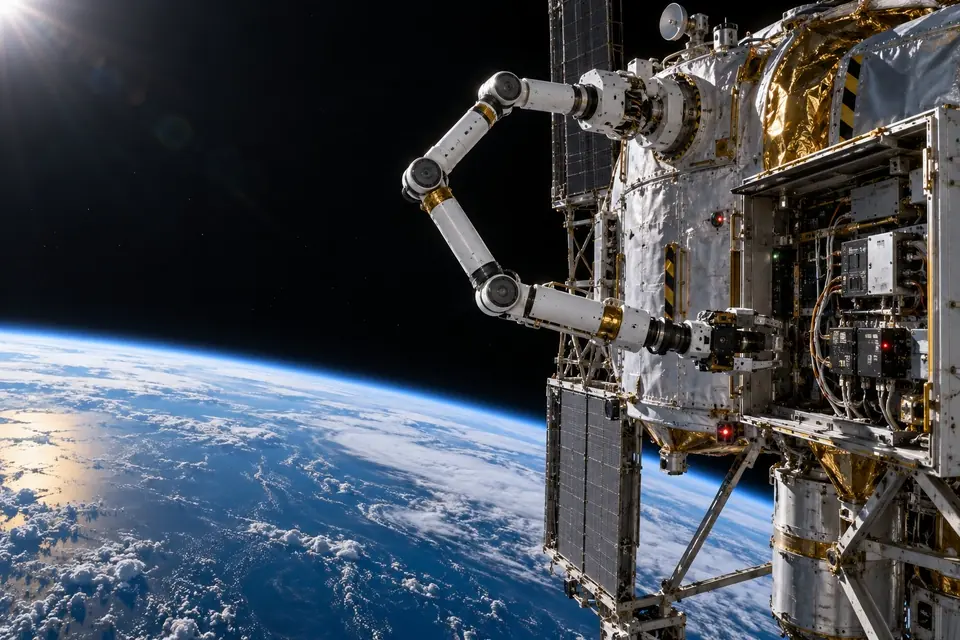
A space-engineering game built around our dual-ended seven-axis arm. You drive it: one end locks onto an anchor as a foot, the other works as a hand. Change tools, trace faults, install parts, then walk the arm along anchors you have installed to reach the next work site.
Current stageChapter 1 playable; later chapters in development
Needs Chrome or Edge on a computer, with keyboard and mouse or a gamepad; phones are not supported yet. The game is currently in Chinese only.
Why a game
Space work is hard to explain with a video: why the arm locks one end first, why you align before inserting, why too much force means stop. Doing it once yourself makes it click faster than any explanation.
Missions follow the order of real work: confirm state, isolate, measure, operate, then check. It is a way in for the public and prospective partners, not one of our engineering tools.
 Game footage
What you do
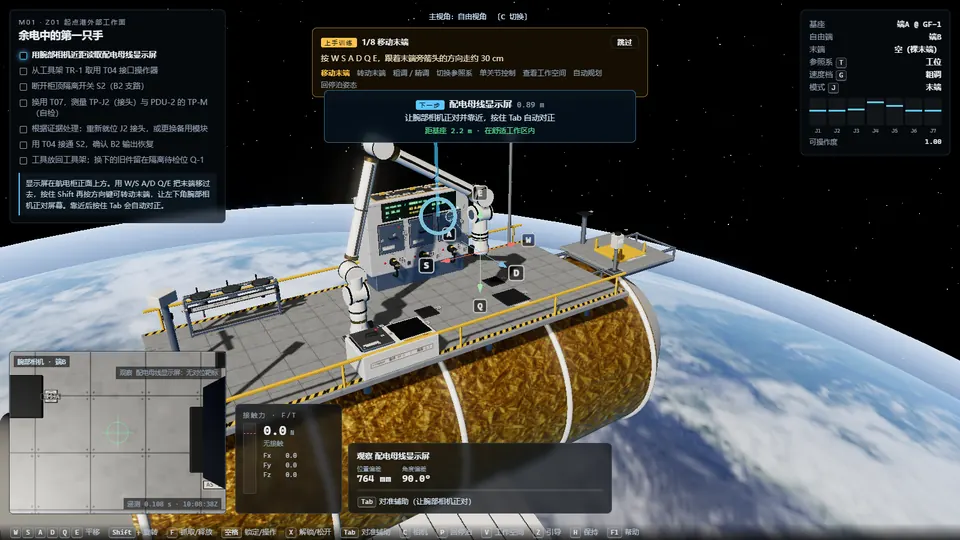
Release the old base only after the new end has locked. Get the order wrong and the arm loses support.
Read the docking target through the wrist camera; when offset, tilt and roll line up, slide the part home along its rail.
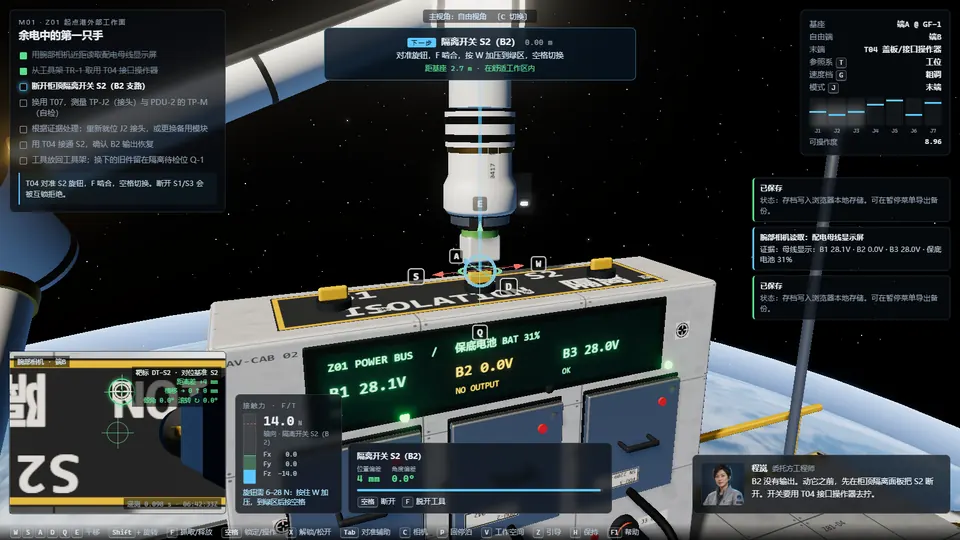
Knobs, test points and bolts each have a force window; a force/torque gauge shows live values and overload trips a protective stop.
Read the display, isolate, measure, then decide whether to reseat a connector or replace a module; a wrong isolation is refused by the interlock.
 Game footage
 Game footage
Chapter 1: Lighting up the first port
- 1M01 The first hand on reserve power
Read the bus, fetch a tool, isolate, measure and restore power.
- 2M02 Old parts need a place too
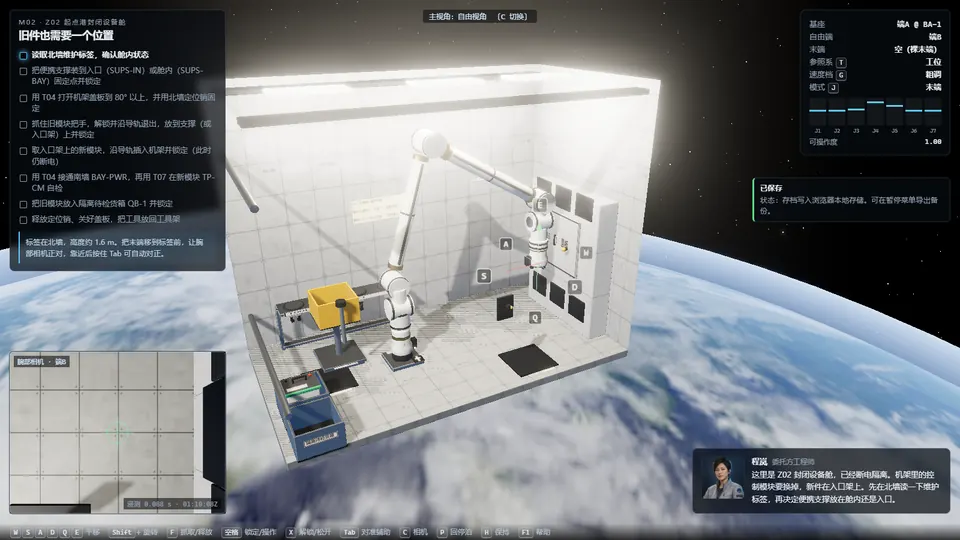
Open a cover in a closed bay, withdraw the old module, insert the new one.
- 3M03 Build the path and the eyes
Set up a tool station, install an anchor, switch base, mount a side camera.
- 4M04 The first real spares
Check look-alike packages, hand over cargo, put spares in their slots.
How it differs from real engineering
Collision and contact force in the game use simplified rule-based models to make the controls feel right. They are not a physics solver and do not represent measured performance of our robots. Scenes, missions and faults are designed for the game and do not correspond to any customer project.
What does re-anchoring feel like? Try it yourself
Needs Chrome or Edge on a computer, with keyboard and mouse or a gamepad; phones are not supported yet. The game is currently in Chinese only.